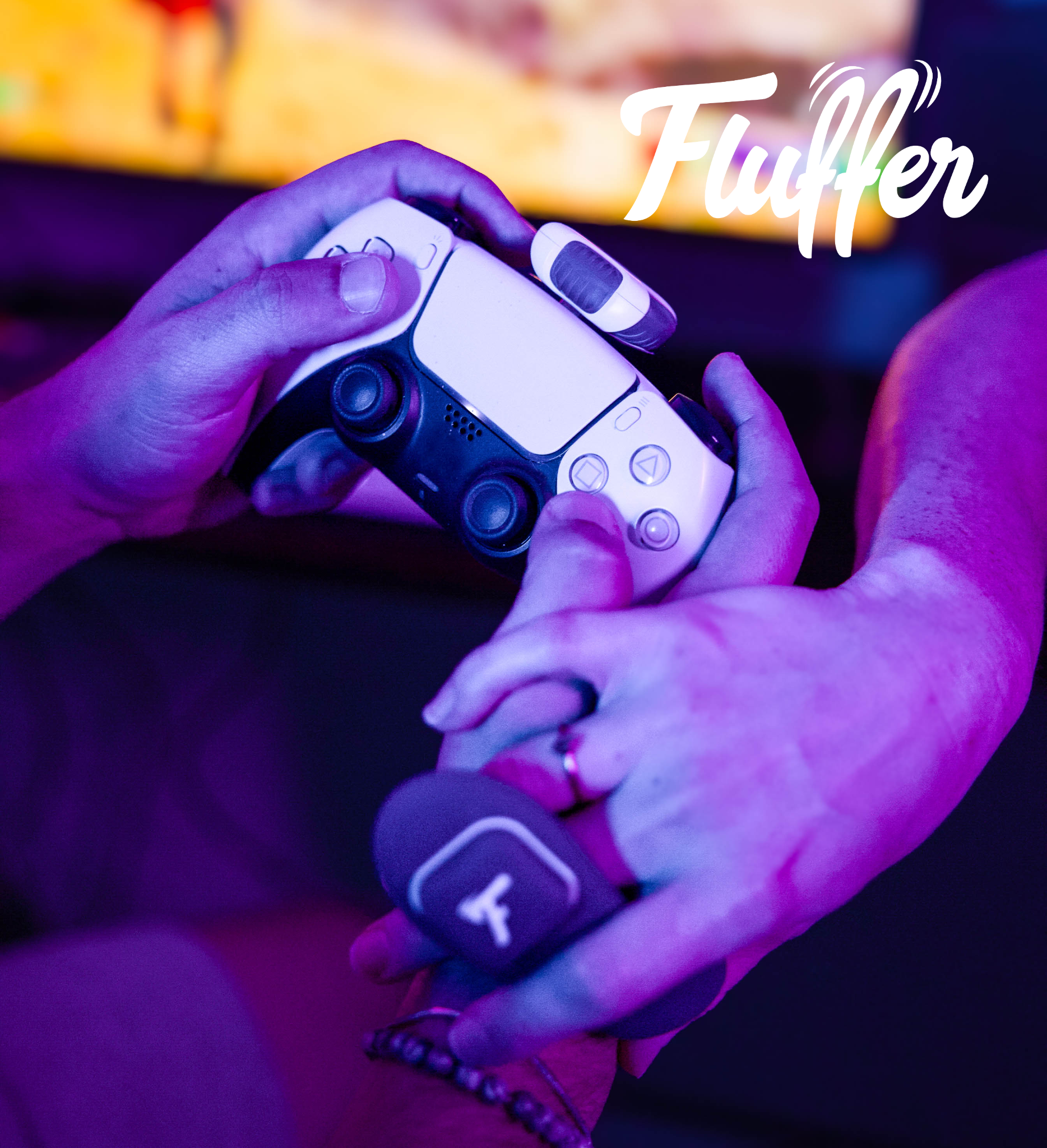
Motorbunny's Fluffer app update 1.2.1 brings motion-controlled Gaming Mode, letting you control vibrations with your gaming controller. Available now on iOS and Android.
Motorbunny just dropped a major update to its Fluffer app, and it's turning gaming into something way more interactive. Version 1.2.1 is all about making connected pleasure feel more physical, responsive, and playful. If you've ever wanted your controller to do more than just move a character on screen, this is for you.
The big news here is the motion-controlled Gaming Mode through the Playmate. Think of it like this: you pair your Motorbunny device or any Bluetooth-enabled toy with the app, then use your gaming controller's built-in motion sensors to control vibrations in real time. The Playmate streams your physical movements—tilt, shake, rotation—directly to the toy, translating them into vibration intensity with almost no lag. It's designed for console gaming and interactive partner play, so whether you're playing solo or with someone else, it adds a whole new layer of immersion.
This update works across the entire Motorbunny lineup: the Original, Buck, JACK, and the Fluffer Toy Collection. That means you don't need to buy new gear to get in on the fun. Just update the app and you're good to go.
### What's New in Fluffer Version 1.2.1
Caleb Thompson, Motorbunny's founder, put it best: "This update is really about giving users more ways to play." And he's not wrong. Here's a quick rundown of what's included:
- **Motion-controlled Gaming Mode** through the Playmate, with 6 axes of tilt and vibration control
- **Real-time response** to tilt, shake, and movement-based inputs
- **Support across all Motorbunny devices** and the Fluffer Toy Collection
- **Simultaneous joystick and Playmate control**, so you can mix and match inputs
- **Custom device renaming** to keep things organized in the app
- **Maximum Power Limit setting** to set your own intensity cap—great for beginners or when you want to ease into things
- **Improved Help & Support access** and clearer connection prompts
- **Current app version display** on the Profile screen, so you always know you're up to date
- **UI and navigation tweaks** for newer iPhone layouts
- **Bluetooth connectivity, stability, and reliability improvements**—because nothing kills the mood like a dropped connection
### Why This Matters
This isn't just another app update. It's a shift in how we think about interactive play. Motorbunny is taking the idea of "connected pleasure" and making it more personal and customizable. The Gaming Mode turns your physical movements into direct control, which opens up possibilities for solo sessions, partner play, gaming marathons, and even product demos. You're not just pressing buttons—you're moving, shaking, and tilting your way to a more immersive experience.
The power limit feature is a nice touch, too. Not everyone wants the same intensity level, and being able to set a max cap means you can explore without worrying about going too far. Plus, the improved Bluetooth reliability should make everything feel smoother and more seamless.
### How to Get It
Fluffer Version 1.2.1 is available now on both the iOS App Store and Google Play Store. If you already have the app, just update it. If you're new to Motorbunny, download it and pair it with your device to start exploring.
This update proves that connected pleasure doesn't have to be complicated. It can be fun, responsive, and even a little playful. And with more control and personalization than ever, there's really no reason not to give it a try.